Connect the equipment.
Review existing controllers and readings. Specify suitable connections, additional sensing where needed, and the onsite gateway.
Equipment intelligence for oil & gas
Connect field equipment. Understand operating history. Give technicians a better starting point. Hardware, software and ongoing support for wells and petroleum terminals.
Equipment monitoring Reports Technician assistance

Useful before there is a problem
Why did two similar transfers take different amounts of time? What changed after the last service visit? Which records belong in the weekly report?
Kinetic brings equipment information into context so operations and maintenance teams can answer useful questions. The proposed installation combines site connections, an onsite gateway, configured software and an agreed support scope.
What Kinetic brings to your siteReview existing controllers and readings. Specify suitable connections, additional sensing where needed, and the onsite gateway.
Local and remote views, operating comparisons, routine reports and technician assistance configured around your work.
A defined installation, commissioning and continuing software/support relationship, with responsibilities agreed in the proposal.
Built around your operation
Begin with a defined asset group and an operating or maintenance question worth answering.
Review operating duty, surface condition and service events together. Give the technician the history behind a change.
Explore well systems 02 / PETROLEUM TERMINALSUnderstand interruptions, compare similar operating conditions and keep maintenance linked to the shore-side equipment.
Explore petroleum terminalsA clearer operating picture
See how equipment information and service follow-up could come together. These existing Kinetic dashboard concepts use illustrative data.
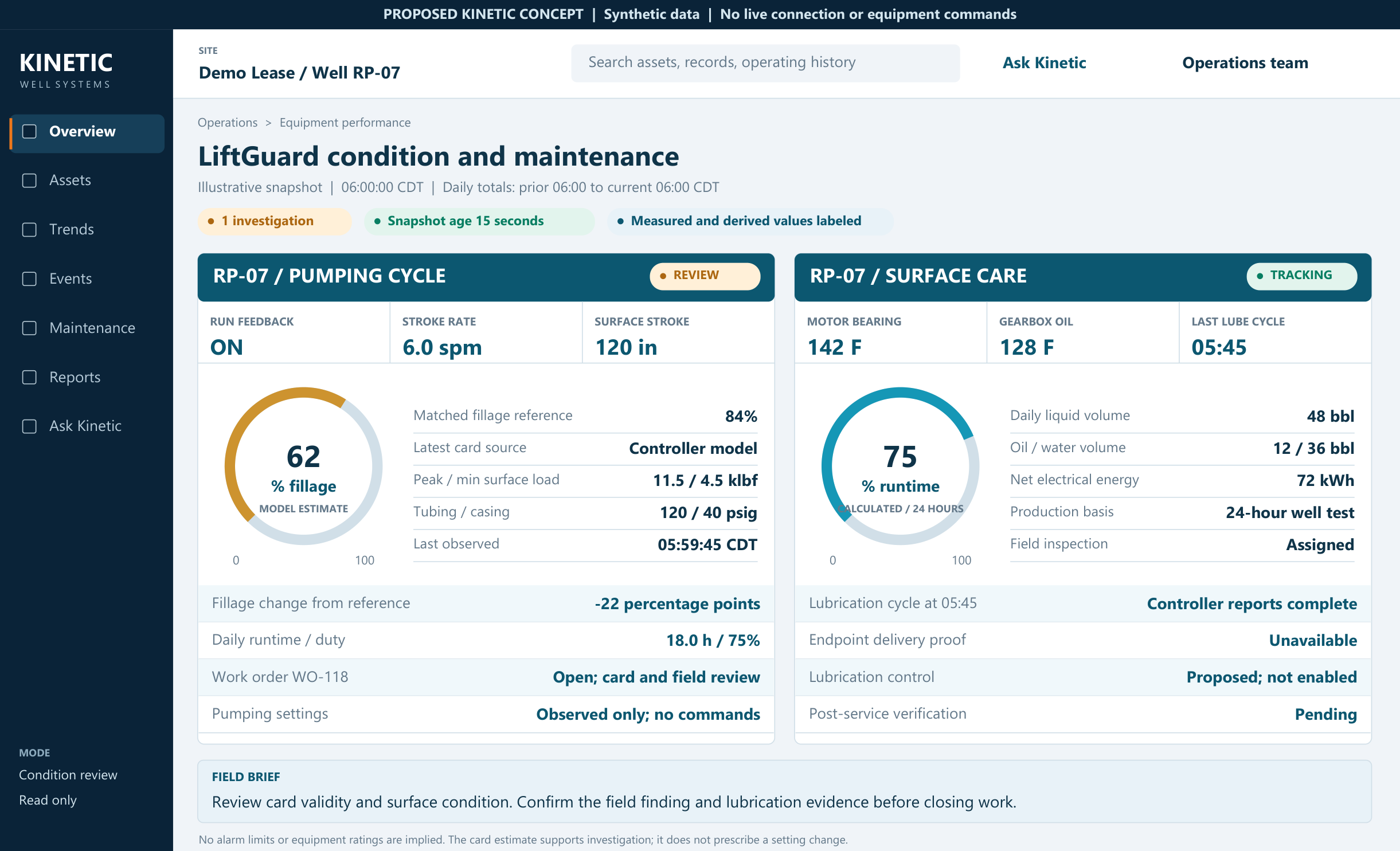
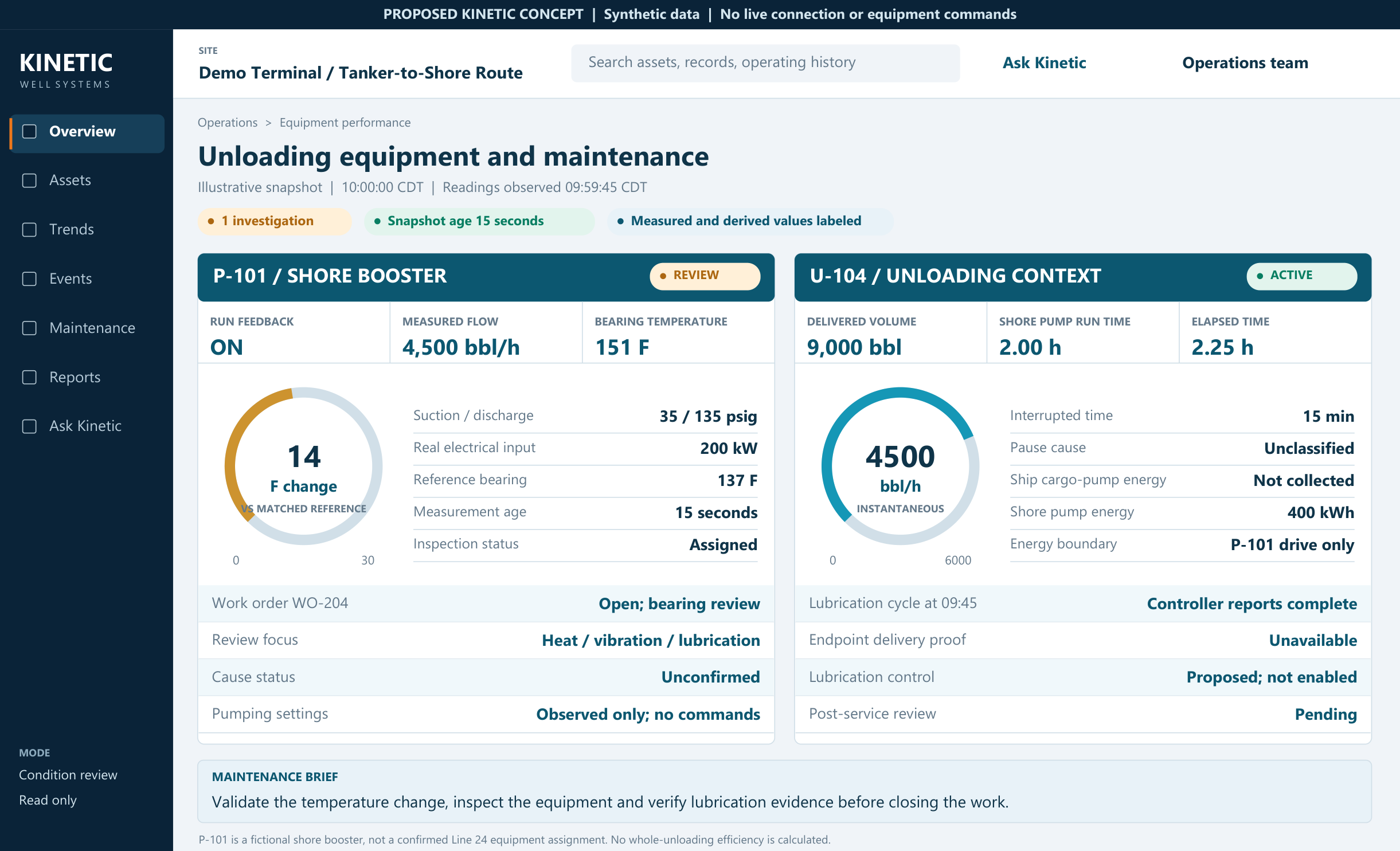
Compatibility, measurements and workflows are confirmed for each installation.
Talk through your equipmentFrom signal to service
Review equipment behavior against relevant operating conditions and the events around a change.
Bring the earlier trend, equipment records, previous repair and relevant approved checks into view. AI assistance helps explain the finding.
Record what was found and changed, then compare the equipment under comparable operating conditions.
One application: lubrication assurance. Distinguish a cycle command, observed completion and verified delivery, then follow the maintenance through.
Explore lubrication assuranceA separate opportunity
Reliable data can also support a separate look at operating performance. Establish a baseline, evaluate changes approved by the site’s engineer, and compare sustained results alongside energy use and equipment condition.
Optimization is a scoped evaluation, not a promise of more production or autonomous control.
The capabilities overview
Site connections, software, operating insight and continuing service. Keep the current Kinetic overview for your team.
A practical first step
Bring one equipment group, a routine report, or a recent service event. We’ll help define a practical first phase.